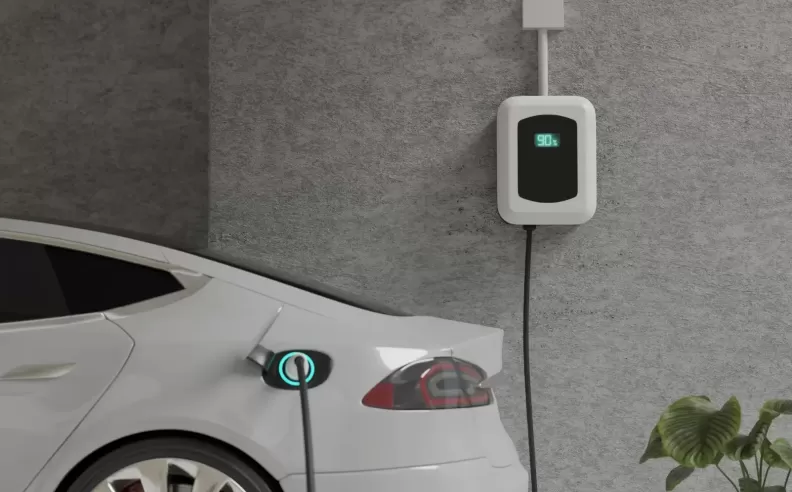
Home charging is at the heart of electric vehicle ownership, and in 2026, keeping your wallbox in top condition is as important as regular car maintenance. Whether you drive a Lucid or a Seres, paying attention to details like heat, dust, and electrical stability can make the difference between a healthy battery and a costly repair. Here’s how to protect your home charger and extend the life of your electric car.
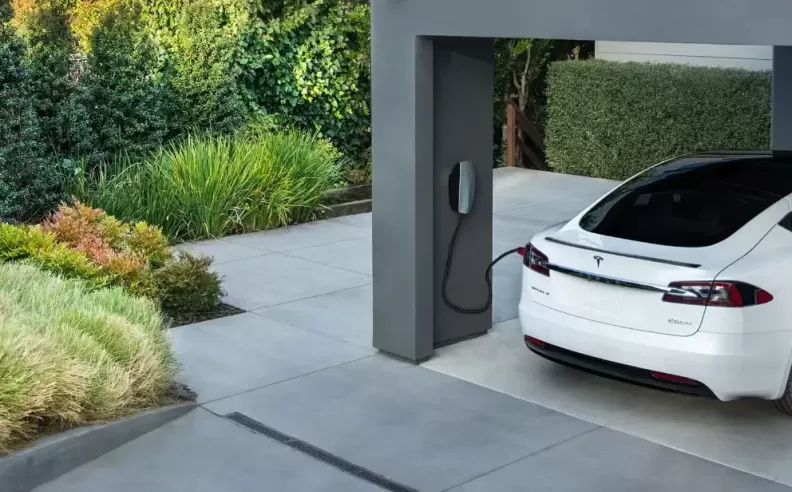
Most wallboxes are built to handle high temperatures, but direct sunlight in places like Riyadh or Dammam can push these devices past their design limits. To prevent overheating, always install your home charger in a shaded spot, ideally inside a garage. If you must mount it outdoors, consider a small dedicated canopy to shield it from the sun. High heat increases electrical resistance inside the charger, which can trigger thermal throttling or slow down charging to protect internal circuits. In the long run, this simple precaution helps maintain fast, reliable charging even on the hottest days.
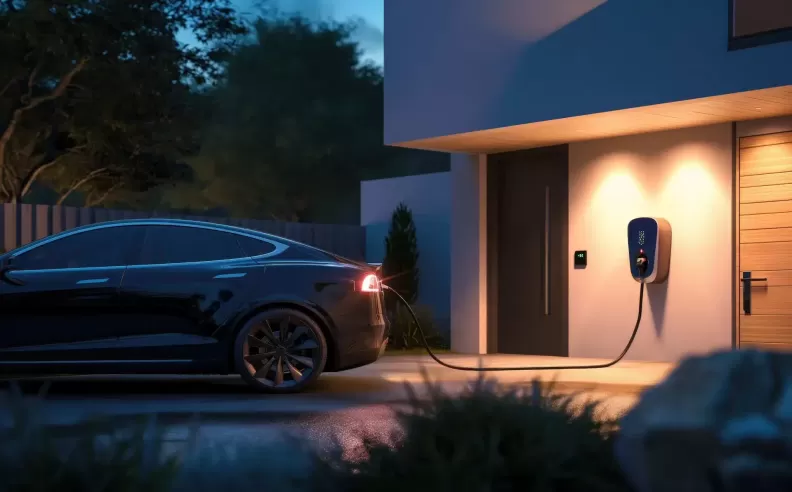
Even in areas with stable electricity, power surges from storms or neighborhood overloads can put your charger and vehicle at risk. Make sure your installation includes a Surge Protective Device (SPD) in the circuit breaker panel. Proper earthing is also critical, if the system detects even a small fault, it will shut off as a safety measure. Dust and sand can act as insulators in charging sockets, especially in places where the weather is harsh. Clean the plug heads every three months using an electronics-safe contact cleaner. Always check for signs of discoloration or melting on the connectors, and if you spot black marks, replace the head immediately to prevent sparking.

Modern chargers in 2026 are smart devices connected to Wi Fi and controlled by an app. Manufacturers roll out updates to enhance energy management and battery protection, so keeping your charger’s software up to date is essential. Monitor your charging sessions in the app; if you notice frequent interruptions or a strange pattern on the charging graph, this could signal a cable or electrical issue. Physically feel the charging cable while in use, it’s normal for it to be warm, but if it’s too hot to touch, something is wrong. Check the wall entry point monthly to make sure connections are tight and secure. If your charger has a cooling fan, clean the air vents every three months to keep electronics safe from dust buildup. Finally, test the RCD safety switch every six months by pressing the test button; this ensures your home is protected from electric leaks.

Started my career in Automotive Journalism in 2015. Even though I'm a pharmacist, hanging around cars all the time has created a passion for the automotive industry since day 1.


 SHARE
SHARE